First, check which application you are using
This guide covers the U.S. Department of State's existing online passport renewal photograph instructions. It does not create rules for first-time applications planned for online expansion in 2027, printed passport photographs, Diversity Visa entries or other visa uploads. See our separate report on the 2027 announcement for what is changing.
Current digital file rules
- File size: 54 KB to 10 MB.
- File type: JPG/JPEG, PNG, HEIC or HEIF.
- When taken: within the last six months.
- Background: plain white or off-white, without distracting shadows or objects.
- Photograph: recent, sharp, properly lit, facing the camera, with eyes visible.
- Editing: original, unedited photograph; no filters or appearance-altering changes.
The online application can reposition or crop a submitted image and carries out basic automated checks. A government employee also reviews the photograph. Neither successful upload nor the correct byte count guarantees final acceptance.
Before photographing: avoid problems software cannot fix
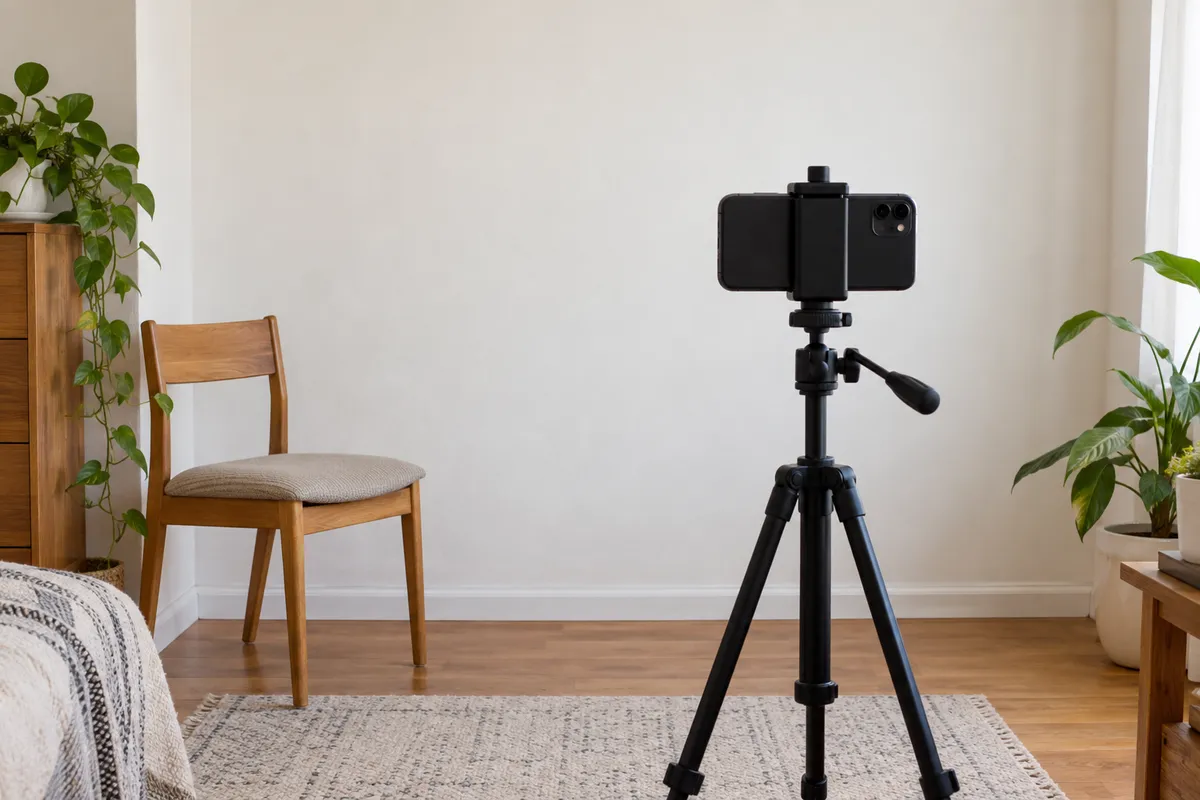
Ask someone else to take the photograph so you can follow the current instructions to stand several feet from the camera. Stand several feet from a plain light background. Face the camera directly and use even light that does not cast shadows across the face or wall. Save the original camera image, preferably at a high-quality setting.
A background-replacement app can make an image look immaculate, but it does not make it acceptable to the State Department. If the background is wrong, retake the image in a suitable setting. Avoid taking a photo of a printed passport picture, applying face-smoothing effects or repeatedly forwarding the image through messaging apps.
Too large, too small or the wrong format?
Above 10 MB: check the exact file size and the current authority guidance first. Because the Department asks for the original unedited photograph, do not assume third-party compression is permitted. Consider capturing a fresh, clear original using an appropriate camera quality setting, or follow the application's official instructions.
Below 54 KB: a tiny file may have lost detail; simply enlarging it or adding artificial bytes is not a solution. Take a clear new photograph at suitable resolution.
HEIC or HEIF: both are among the permitted online-renewal formats. There is no reason to convert a suitable original just because a separate image tool does not accept that format.
JPEG, PNG or WebP: CompressImageTo currently accepts these static formats as inputs and offers JPEG, PNG and WebP outputs. WebP is not among the listed U.S. online-renewal upload formats. The site's image compressor cannot certify an official passport photograph and its recompression changes the source file.
If the site rejects your photograph
Start with the actual rejection message. Confirm the selected file is the original, inspect the format and file size, and compare the photo's lighting and framing against the official examples. Where the online application allows repositioning or cropping, use its supplied controls rather than editing your identity photograph elsewhere.
If the picture has shadows, blurred facial detail, an unsuitable background, or alterations, retake it. If the issue relates to application eligibility or a website error, reducing file size is unlikely to help. Keep the original safe and follow the authority's instructions.
When can CompressImageTo help?
Our browser-local compressor can reduce the file size of supported images, change output format and resize them with selectable aspect-ratio behaviour. This is useful for many other application portals that expressly permit processing. It does not replace the U.S. government's cropping tool, cannot repair biometric composition and cannot guarantee passport-photo acceptance.
Our general passport file-size guide explains why rules differ by jurisdiction; the U.S. Diversity Visa 240 KB guide covers an entirely different submission system. Never transfer its limit to a passport application.
Choosing the correct next step
Your original photo already meets the current renewal rules: retain the unedited file and use the official State Department application. Compression is unnecessary and may conflict with the original-photo instruction.
The original photo fails a photographic requirement: retake it against a suitable background with proper lighting. Reducing kilobytes cannot repair an unsuitable pose, expression or focus.
A different application portal explicitly permits image processing: open the private image compressor, select the allowed output format, enter its actual maximum in KB or MB, and use resize-and-compress only if dimensions may be changed. Verify the downloaded file before uploading it yourself. The exact-size walkthrough explains the controls and their limitations.
You are entering the U.S. Diversity Visa lottery: follow the separate Diversity Visa photo guide and current official entry instructions. Its 240 KB limit is not a passport limit.
Official sources and date checked
Checked 28 October 2026. If a live application gives updated instructions, use those rather than this article. CompressImageTo is independent and is not affiliated with the U.S. Department of State.