Quick answer
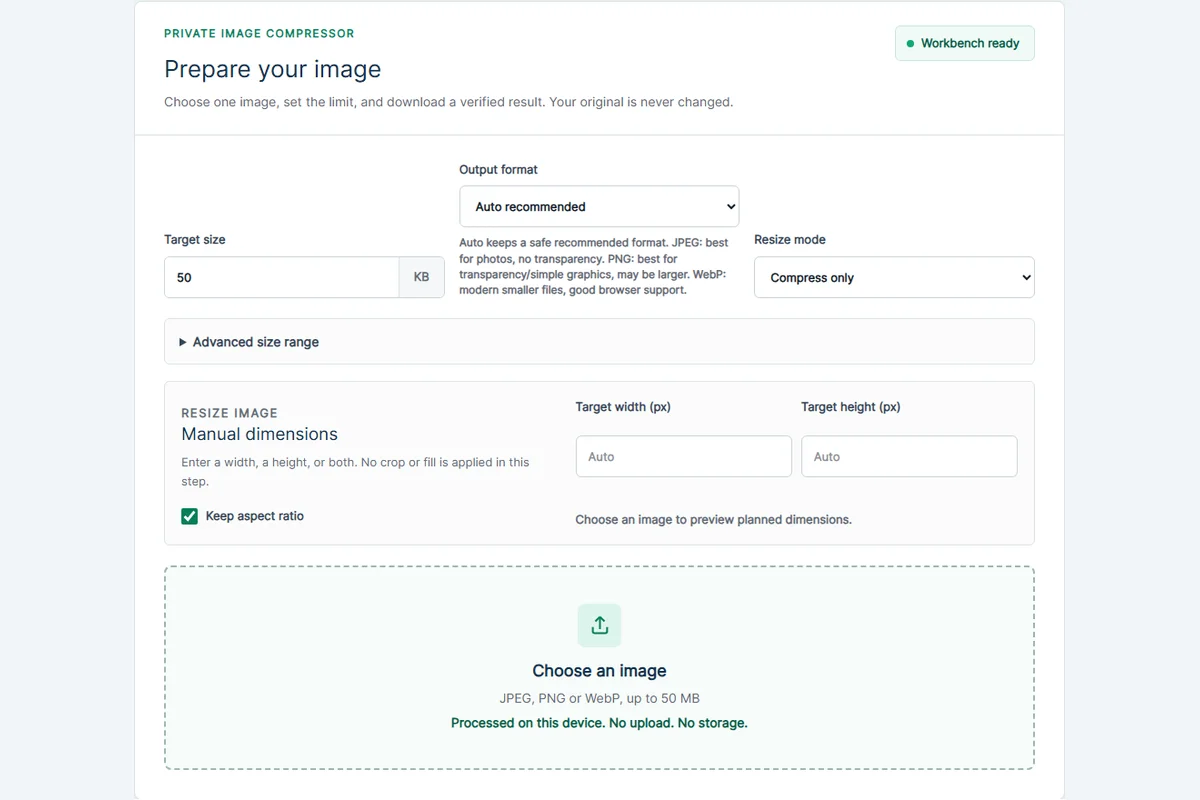
Use a tool that processes the selected file on your device, then download the result without sending the image to a server for compression. On CompressImageTo, the current image, PDF and ZIP workflows are designed around that no-upload approach.
- Select the file locally.
- Process it in the page.
- Download the result and submit it only to the destination you choose.
Why no-upload matters
Many images contain private context: faces, addresses, document scans, file names, camera details or location metadata. Uploading those files to a server just to make them smaller can be unnecessary for a simple compression task.
CompressImageTo is designed around local file processing for the current tools. Your image stays on your device, and the site does not need to see or store it to create the result.
What still uses the network
The web page, scripts, ads and ordinary site resources can load from the internet. That is separate from sending the selected image bytes for processing.
The privacy promise is about the file workflow: the selected image, PDF or ZIP contents are not intentionally uploaded to CompressImageTo for processing.
Practical safety habits
If an image is sensitive, avoid emailing it for support unless you intentionally choose to do so. Use the tool locally, download the result, and review the final file before submitting it to the outside form or portal.
- Keep the original file as a backup.
- Remove private metadata when possible.
- Check the final dimensions and file size before uploading elsewhere.
How to spot the difference
A no-upload workflow still downloads page resources and may load ads, but the selected file should not be sent away for the actual compression or conversion step. That distinction matters: ordinary web requests are not the same as uploading your private document scan or photo.
If a site asks you to wait while your file uploads before processing, that is a different privacy model. It may be legitimate, but it is not the local-file workflow described here.
Quick answers
Can CompressImageTo see my selected image?
The current tool workflows are designed so selected files stay on your device and are not uploaded to CompressImageTo for processing.
Does advertising change file privacy?
Ad-related cookies and ad requests are separate from the file-processing workflow. The tools do not intentionally send your image contents, PDF contents or ZIP contents to Google as part of processing.
Related tools
Compress image
Set a custom KB or MB target.
Image to PDF
Turn one image into a PDF.
Compress image to PDF
Create a PDF below a target size.
Keep learning
How to compress an image to an exact file size
Use an exact-size image compressor when a form says your image must be under a specific limit such as 50 KB, 100 KB, 500 KB or 1 MB.
Image file size guide for uploads
Image file size depends on dimensions, format, compression settings and image detail. The same 1200 x 800 image can be small or huge depending on what it contains.
JPEG vs PNG vs WebP
JPEG, PNG and WebP solve different problems. The best format depends on whether you need small photo files, transparency, sharp graphics or broad upload compatibility.