Quick answer
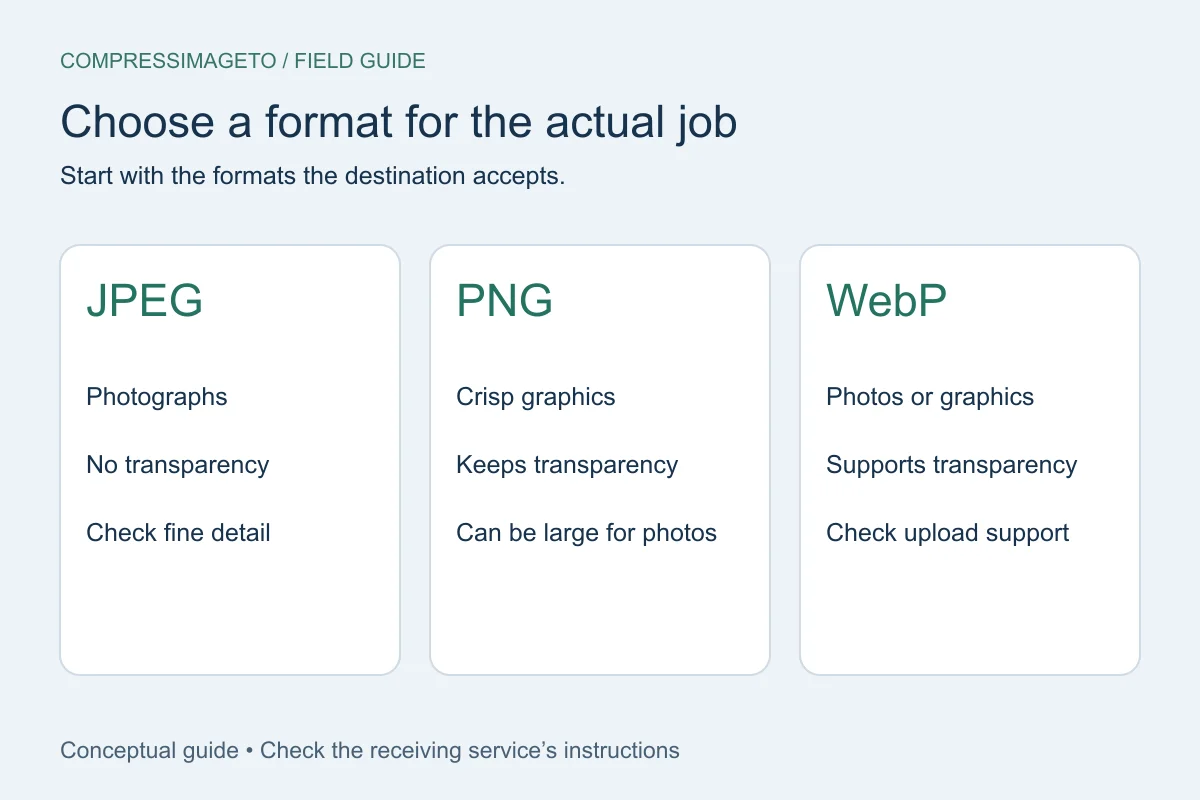
Use JPEG for ordinary photos when transparency is not needed. Use PNG for transparency, logos and crisp graphics when size allows. Use WebP when the destination accepts it and you want a modern smaller output.
JPEG is usually best for photos
JPEG is widely accepted and often makes photo-like images much smaller. It is lossy, which means detail can be reduced as compression gets stronger. JPEG does not preserve transparency.
PNG is best when transparency or crisp edges matter
PNG can preserve transparency and sharp lines, which makes it useful for logos, simple graphics and some screenshots. For detailed photos, PNG may be much larger than JPEG or WebP.
WebP can be smaller, but check the destination
WebP often creates smaller files than JPEG or PNG while supporting photo-like images and transparency. Some older portals still prefer JPEG or PNG, so use the format your destination accepts.
What to do when a portal rejects the format
If the portal rejects WebP, try JPEG for photos or PNG for graphics. If the portal accepts only JPG or JPEG, remember that transparency will not be preserved, so a transparent logo may need a background color in a later workflow.
Do not believe a format label by itself. A good result should have the matching file signature, MIME type and extension, and the download extension should match the actual output format.
- JPEG: broad compatibility, no transparency.
- PNG: crisp graphics and transparency, often larger.
- WebP: efficient when accepted, but not universal on older portals.
Quick answers
Which format gives the smallest file?
It depends on the image. JPEG or WebP often works best for photos, while PNG may be necessary for transparency or crisp graphics.
Is PNG always higher quality?
No. PNG preserves certain details well, but it can be too large for photo uploads and does not automatically mean a better submission result.
Related tools
Compress image
Set a custom KB or MB target.
Compress image to 500 KB
Useful for forms and document images.
Image to PDF
Turn one image into a PDF.
Keep learning
How to compress an image to an exact file size
Use an exact-size image compressor when a form says your image must be under a specific limit such as 50 KB, 100 KB, 500 KB or 1 MB.
How to compress an image without uploading it
No-upload compression means your selected image is handled on your device for the tool workflow instead of being sent to a server for processing.
Image file size guide for uploads
Image file size depends on dimensions, format, compression settings and image detail. The same 1200 x 800 image can be small or huge depending on what it contains.