Quick answer
File size is the storage weight of the saved image. Dimensions are the pixel width and height. Format is the container, such as JPEG, PNG or WebP. A rejected upload may need one, two or all three of those settings changed.
File size is not the same as dimensions
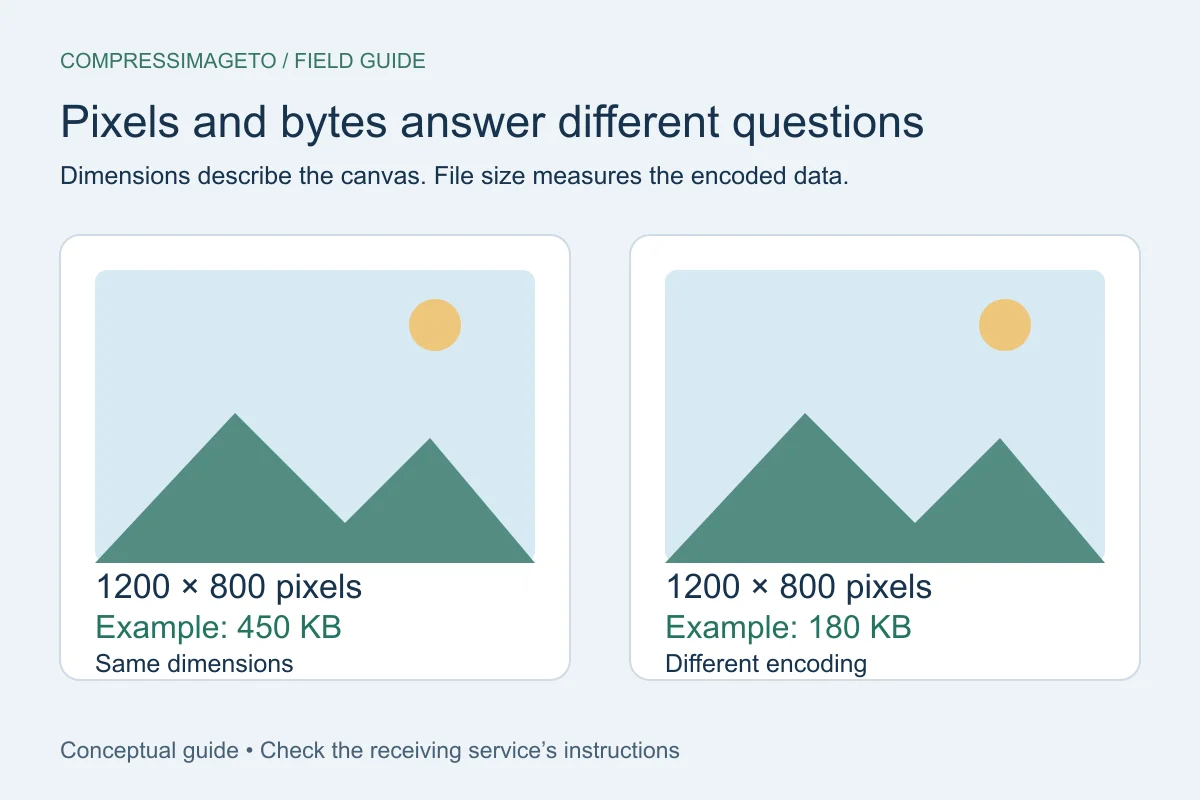
Dimensions describe how many pixels an image has. File size describes how many bytes the saved file uses. A large photo can sometimes compress well, while a small screenshot with text or flat colors may resist certain lossy settings.
What usually makes images larger
More pixels, sharper detail, less compression, transparency, embedded metadata and some file formats can all increase file size. PNG is useful for transparency and crisp graphics, but it may be much larger than JPEG for photos.
- Photos often work well as JPEG or WebP.
- Transparent graphics usually need PNG or WebP.
- Screenshots can vary depending on text, colors and format.
How to choose a target
Use the requirement from the destination first. If the portal says 200 KB maximum, choose 200 KB. If the portal only says the file is too large, try a practical target such as 500 KB or 1 MB, then adjust if the upload still fails.
Troubleshooting a file that stays large
If compression does not reduce the image enough, check whether the file is a detailed photo, a transparent PNG, a very large phone image or a screenshot with crisp text. Each case responds differently.
For detailed photos, JPEG or WebP may help. For transparent images, PNG or WebP may be needed. For oversized phone photos, resizing can reduce the pixel count before compression.
- Try a photo-friendly format for photographs.
- Keep transparency only when you actually need it.
- Resize large originals when the destination does not need full camera resolution.
Related tools
Compress image
Set a custom KB or MB target.
Compress image to 500 KB
Useful for forms and document images.
Compress image to 1 MB
Use a common larger image limit.
Keep learning
How to compress an image to an exact file size
Use an exact-size image compressor when a form says your image must be under a specific limit such as 50 KB, 100 KB, 500 KB or 1 MB.
How to compress an image without uploading it
No-upload compression means your selected image is handled on your device for the tool workflow instead of being sent to a server for processing.
JPEG vs PNG vs WebP
JPEG, PNG and WebP solve different problems. The best format depends on whether you need small photo files, transparency, sharp graphics or broad upload compatibility.