Quick answer
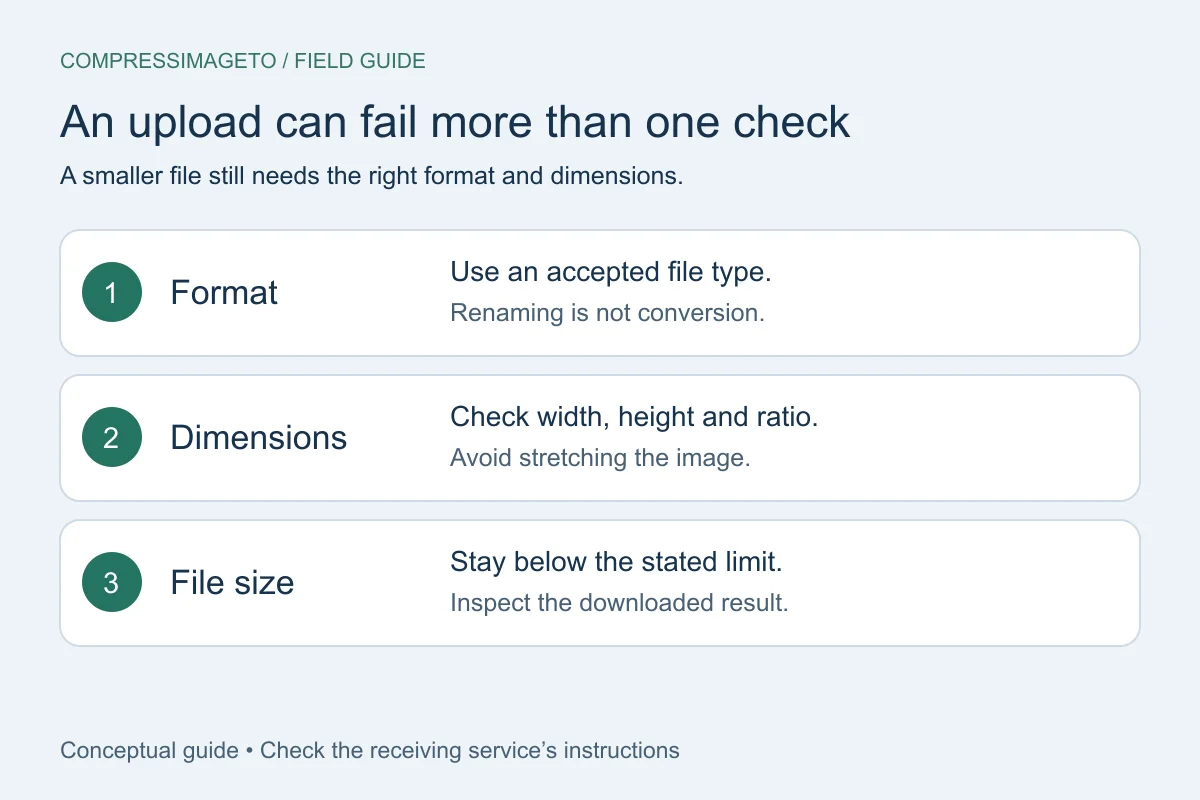
Copy the form requirement, fix the exact problem it mentions, and avoid changing more than necessary. If it says the file is too large, compress. If it asks for width and height, resize. If it asks for JPG or PNG, choose the matching output format.
Read the rejection message carefully
Some forms say the image is over a KB or MB limit. Others require a width and height. A few require both size and dimensions. Start by copying the exact requirement before changing the file.
Use the least destructive fix first
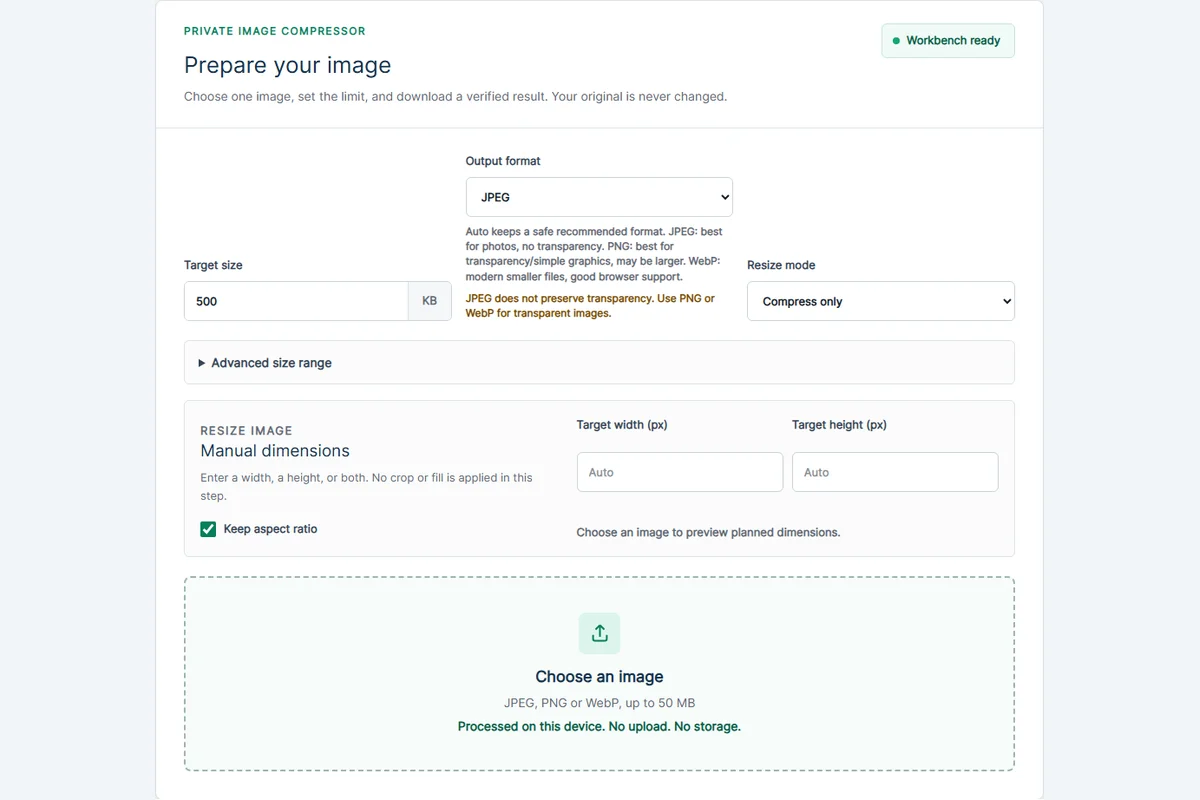
If only the file size is too large, try compression before resizing. If the portal also requires dimensions, enter the width and height and keep aspect ratio on unless the form explicitly requires exact dimensions.
- Use JPEG for most photos.
- Use PNG or WebP when transparency matters and the portal accepts it.
- Avoid repeated recompression if the first output already passes.
Verify before submitting
After processing, check the final file size, dimensions and format. CompressImageTo verifies the download it creates, but the outside form may still have its own rules, wording or rounding behavior.
If the form still rejects it
A form can reject an image even when the file size looks correct. Common reasons include the wrong file extension, dimensions outside the allowed range, a photo that is visually too blurry after heavy compression, or a portal that rounds file sizes differently.
Work through the requirement one line at a time. If the form gives a maximum size and dimensions, meet both. If it gives no detail, start with a common target such as 500 KB and keep the image readable.
Related tools
Compress image
Set a custom KB or MB target.
Compress image to 500 KB
Useful for forms and document images.
Compress image to PDF
Create a PDF below a target size.
Keep learning
How to compress an image to an exact file size
Use an exact-size image compressor when a form says your image must be under a specific limit such as 50 KB, 100 KB, 500 KB or 1 MB.
How to compress an image without uploading it
No-upload compression means your selected image is handled on your device for the tool workflow instead of being sent to a server for processing.
Image file size guide for uploads
Image file size depends on dimensions, format, compression settings and image detail. The same 1200 x 800 image can be small or huge depending on what it contains.