Quick answer
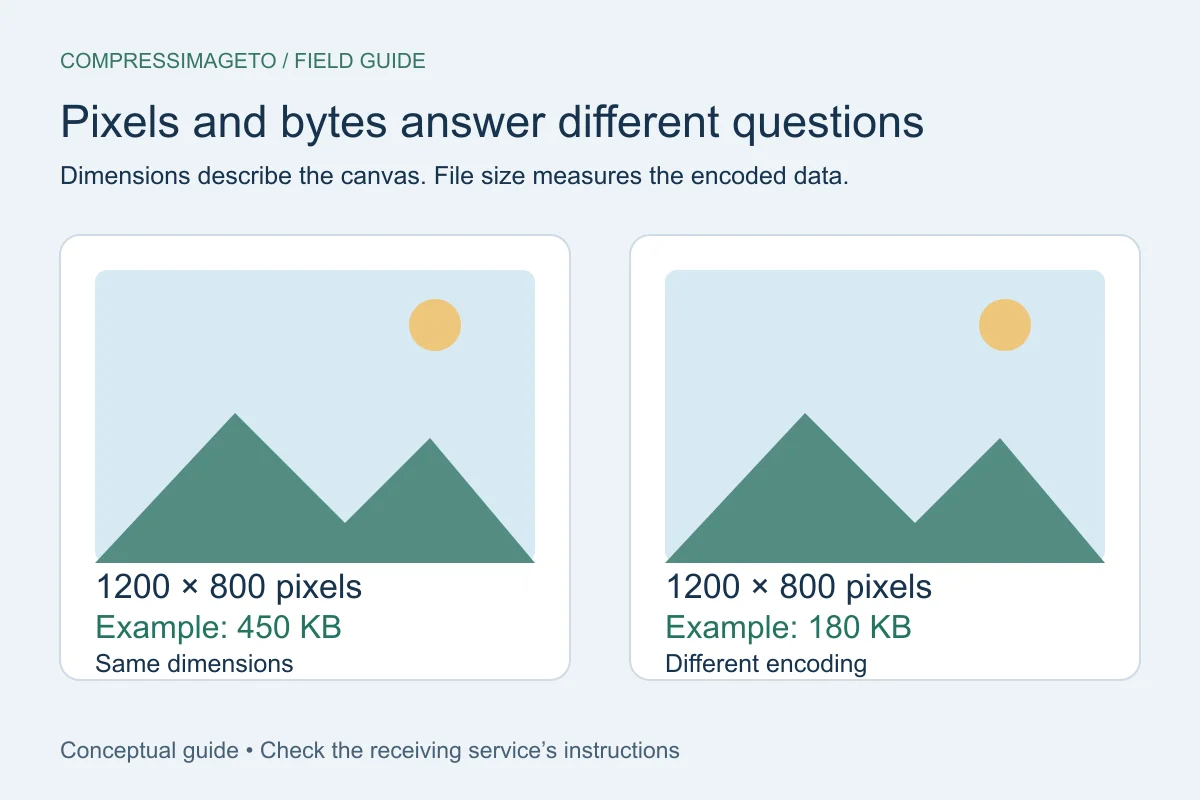
Your image is usually too large because it has more pixels than the destination needs, the format is not a good match, or the content is difficult to compress. Start by checking dimensions and format, then compress to the required maximum.
Large dimensions create more data
A modern phone photo can be thousands of pixels wide. Even when it looks normal on screen, the original may contain far more detail than a form needs. Resizing can reduce file size dramatically when compression alone is not enough.
The format may not match the image
PNG is excellent for some graphics, but it can be very large for photos. JPEG is usually smaller for photos, while WebP can be efficient if the destination accepts it.
Some targets are simply too small
A very detailed image may not fit under a tiny limit while staying useful. A good tool should tell you when a target cannot be reached safely instead of pretending the file passed.
How to diagnose it quickly
Look at the image dimensions first. If the file is several thousand pixels wide, resizing may help. Then check the format. If it is a PNG photo, a JPEG or WebP output may be smaller when the destination accepts it.
Finally, inspect the target. A 20 KB limit for a detailed photo may be unrealistic unless the image becomes very small or visibly compressed. In that case, the honest answer may be to use a larger limit or different requirements if available.
Quick answers
Will reducing dimensions always help?
Usually it helps, but the best balance depends on how much detail the destination needs.
Can metadata make a file too large?
Metadata can add size and may contain private details. Re-encoding and metadata removal can help, though image pixels are usually the largest part.
Related tools
Compress image
Set a custom KB or MB target.
Compress image to 500 KB
Useful for forms and document images.
Compress image to 1 MB
Use a common larger image limit.
Keep learning
How to compress an image to an exact file size
Use an exact-size image compressor when a form says your image must be under a specific limit such as 50 KB, 100 KB, 500 KB or 1 MB.
How to compress an image without uploading it
No-upload compression means your selected image is handled on your device for the tool workflow instead of being sent to a server for processing.
Image file size guide for uploads
Image file size depends on dimensions, format, compression settings and image detail. The same 1200 x 800 image can be small or huge depending on what it contains.